
 Black Steel Doors
 Woodstock Campers
 Phillips Joinery

An SEO audit is a structured health check of your website. You look at whether Google can find and index your pages, whether the site is fast and works on a phone, whether each page is clear about what it offers, and whether anything is quietly holding you back. This checklist walks you through it in the order we would do it, with the tools you need and a way to decide what to fix first. You don’t need to be a developer to run most of it. You do need a free afternoon and a decent cup of tea.
TL;DR
- Start with a crawl and Google Search Console, so you work from real data rather than hunches.
- Check the technical basics first: indexing, robots.txt, canonicals, redirects, HTTPS, mobile and Core Web Vitals.
- Then review on-page elements and content: titles, headings, URLs, images, duplicates and thin pages.
- Sort every finding by impact on pages that earn you money, not by how loud the tool shouts about it.
- Finish with a short report: what is wrong, why it matters, who fixes it and by when.
Table of Contents
- What an SEO audit actually covers
- Before you start: set up and get your data
- Step 1: Can Google find and index your pages?
- Step 2: The technical checks that trip people up
- Step 3: Speed, Core Web Vitals and mobile
- Step 4: On-page SEO, one page at a time
- Step 5: Content quality
- Step 6: Links and authority
- Step 7: Local SEO, if you serve a place
- Prioritising what you find
- How to write the audit report
- Tools worth having
- Our perspective: audits are only worth it if someone acts on them
- When it’s time to get help
- FAQ
- Sources
What an SEO audit actually covers
People use “audit” to mean quite different things, so it helps to agree the scope. One common definition is an evaluation of the website factors that affect search performance: on-page SEO, content, speed, backlinks and technical issues. A comprehensive audit is often split into on-page, off-page, technical and local SEO.
That is a lot of ground. Google’s own crawling and indexing documentation gives you a good sense of the technical part: URL structure, robots.txt, sitemaps, canonicalisation, mobile sites, JavaScript, metadata, crawlable links, redirects and HTTP status codes. If you can say “yes, we’ve checked that” to each of those, you are most of the way through the technical half.
You will also see people talk about a “technical SEO audit”, a “site audit” and a “full SEO audit” as if they were separate things. In practice they overlap heavily. This checklist covers all of them, in the order that saves you the most time.
Before you start: set up and get your data
A good audit begins with a bit of admin. Skip it and you’ll end up with a long list of issues and no idea which matter.
- Verify your site in Google Search Console. It’s free and it shows you what Google itself reports about your site. Without it you are guessing.
- Set up analytics. You need to know which pages bring in traffic and enquiries. GA4 is the usual choice.
- Run a crawl. A crawler is software that visits your pages the way a search engine would and lists what it finds. Pick whichever you’re comfortable with. Most have a free tier for small sites.
- Write down your money pages. These are the service pages, product pages and contact pages that actually lead to revenue. Everything you find later gets judged against them.
- Note any recent changes. A redesign, a new CMS, a domain change or a move to HTTPS can all cause sudden drops. If you’ve migrated recently, our website migration SEO checklist is worth keeping open alongside this one.
If your traffic fell off a cliff, check the dates first. Match the drop against site changes and known events before you start fixing things at random.
Step 1: Can Google find and index your pages?
If a page isn’t indexed, nothing else about it matters. So begin here.
Use the Page indexing report
In Search Console, the Page indexing report can be filtered to all known pages, all submitted pages, unsubmitted pages or a specific sitemap. Start with the sitemap you submitted: those are the pages you told Google you care about, so any that aren’t indexed deserve attention.
Google groups pages with Excluded and Error issues under Not indexed, and Valid pages under Indexed. Don’t panic at a long “Not indexed” list. Some of those issues are intentional, such as login pages, filtered URLs or old tag archives you never wanted indexed. The question is whether any important page is in there by mistake.
Inspect the pages that matter
Google’s SEO Starter Guide suggests checking whether Google has found your content and whether it can access the same resources as a user’s browser. The URL Inspection tool in Search Console shows how Google sees a particular page. Run your top ten money pages through it. It takes ten minutes and often finds the problem on its own.
Check discoverability
Google’s guidance on pages missing from search recommends submitting a sitemap, providing comprehensive internal link navigation, avoiding links that depend on interaction, and using descriptive URL paths. In audit terms:
- Is there an XML sitemap, and does it list only live, indexable pages?
- Can you reach every important page by clicking ordinary links from the homepage?
- Are there orphan pages, meaning pages with no internal links pointing at them?
- Do menus and buttons use real links, rather than scripts that only work on click?
Step 2: The technical checks that trip people up
This is the part most checklists call the technical SEO audit. A solid list covers indexability and accessibility, rendering and JavaScript, technical duplicates, pagination, URL structure, schema, mobile usability and page speed. Here is how to work through the most common ones.
Robots.txt and directives
Open yourdomain.co.uk/robots.txt in a browser. You are looking for anything that blocks sections of the site you want found. It’s a classic: a developer blocks the whole site while it’s being built, then nobody removes the block at launch.
Then check for noindex and nofollow directives on page templates. A stray noindex on a service page will quietly remove it from search. Your crawl should list these, so filter for them and check each one is deliberate.
Canonical tags
A canonical tag tells Google which version of a page is the main one. Google says its indexing process identifies duplicates and selects a canonical URL, so if your signals are messy, it may choose a version you didn’t. Check that:
- Each indexable page points to itself, or to the correct main version.
- Canonicals don’t point at redirected, broken or noindexed URLs.
- The www and non-www versions, and http and https, all resolve to one version.
Redirects and status codes
Crawl results will group URLs by status code. Walk through them:
- 200: fine, as long as the page is meant to exist.
- 301 and 302: check the type is right. A 301 is for permanent moves.
- 404: fine for pages that are truly gone, but not for pages that still have links or traffic.
- 5xx: server errors. Fix these first.
The same technical guide recommends checking redirect types, redirect chains and internal links pointing to redirected URLs. A chain is when page A redirects to B, which redirects to C. Collapse them so A goes straight to C, and update your internal links to point at the final address.
HTTPS and security
Every page should load over HTTPS with no mixed-content warnings. Google lists HTTPS as part of its page experience review, alongside Core Web Vitals, mobile display, intrusive interstitials and excessive distracting ads. Check your certificate hasn’t expired and that old http addresses redirect properly.
If you’d like a wider tour of the fundamentals before you hire anyone, our guide to technical SEO basics and crawl issues goes into more detail.
Step 3: Speed, Core Web Vitals and mobile
Google indexes the mobile version of your site, so the mobile version is the one to audit.
Core Web Vitals
Google’s Core Web Vitals guidance sets these “Good” targets:
| Metric | What it measures | Good target |
|---|---|---|
| LCP (Largest Contentful Paint) | How quickly the main content loads | Within 2.5 seconds |
| INP (Interaction to Next Paint) | How quickly the page responds to taps and clicks | Below 200 milliseconds |
| CLS (Cumulative Layout Shift) | How much the layout jumps around | Below 0.1 |
The Core Web Vitals report in Search Console uses real-user data and groups URLs as Poor, Needs improvement or Good. Only indexed URLs with enough data appear, so a small or new site may see very little here. That is normal, not a fault.
If you have red or amber URLs, our walkthrough on fixing Core Web Vitals errors with field data first shows how to approach it, and the piece on slow website speed and LCP covers the usual culprits, such as oversized images and heavy scripts.
Mobile-first checks
Google’s mobile-first indexing guidance is the best checklist here. For the mobile version of each key template, confirm:
- Content and resources are accessible to Google.
- Robots directives match the desktop version.
- Primary content isn’t lazy-loaded in a way that needs interaction to appear.
- Metadata and structured data are equivalent to desktop.
Then pick up your own phone, open your site on mobile data, and try to book, buy or call. If you find it annoying, so will your customers. No tool replaces that test.
Step 4: On-page SEO, one page at a time
Now you move from the plumbing to the pages themselves. Use Search Console to identify the pages that matter most, then work through them. A full audit guide suggests reviewing content quality, titles, meta descriptions, headings, URLs, images and alt text.
For each important page, ask:
- Title tag: Does it say what the page is about, include the main phrase naturally, and stay unique across the site?
- Meta description: Does it give someone a reason to click? It won’t boost rankings directly, but it shapes the snippet.
- H1 and subheadings: One clear H1, with subheadings that follow a logical order.
- URL: Short, readable and descriptive. Google’s starter guide points out that words in a URL can help users understand whether a result is useful.
- Images: Sensible file sizes and alt text that describes the image. Google notes that indexing looks at title elements, alt attributes, images and videos.
- Internal links: Does the page link to related pages with descriptive anchor text, and do other pages link to it?
A cheap trick that works: type each page’s target phrase into Google in a private window and see who ranks. If the results are all guides and your page is a sales pitch (or the other way round), you’ve found a search intent mismatch.
If you want a broader list of what to tidy, our website optimisation checklist covers the on-site basics for UK businesses.
Step 5: Content quality
Content audits are where opinions creep in, so keep them practical. A good review asks whether each page answers users’ questions accurately and thoroughly, and is original, current, readable and well structured.
Go through your content and sort every page into one of four piles:
- Keep as it is. It ranks, it converts, leave it alone.
- Improve. The topic is right but the page is thin, dated or unclear.
- Merge. Two or three pages compete for the same phrase. Combine them and redirect the weaker ones.
- Remove. The page has no traffic, no links and no purpose. Delete it or redirect it.
Look out for duplicate content too, such as the same service description repeated across ten location pages with only the town name changed. It’s tempting. It rarely works.
Readability and accessibility
Plain writing helps everyone. UK Home Office guidance backs checks for clear and simple language, correctly specified page language, headings and compatibility with assistive technologies. Setting the page language correctly also helps search engines and automatic translation software. For a UK business site, that means the language attribute should say British English, not American English or nothing at all.
If you want a more critical eye on quality, ask: would a stranger trust this page? Is there an author, a real business address, proof of experience, and sources for any claims? Those signals matter more each year, and our piece on AI search and getting cited explains why clarity and credibility now help with both classic and AI-driven results.
Step 6: Links and authority
Internal links first, because you control them. Check for broken internal links, pages buried more than three or four clicks from the homepage, and links pointing at redirected URLs.
Then look at backlinks, the links from other sites to yours. Your aim is not to count them but to spot problems and gaps:
- Are your best links pointing at pages that now redirect or return 404? Reclaim that value by redirecting those URLs to the closest live page.
- Do you have links from sites that are relevant to your trade and area?
- Do competitors have links from places you could reasonably earn, such as trade bodies, local press and suppliers?
The idea of a competitor gap is simple: find sites that link to businesses like yours but not to you, then ask yourself honestly why. Often the answer is that you haven’t given them anything worth linking to.
Step 7: Local SEO, if you serve a place
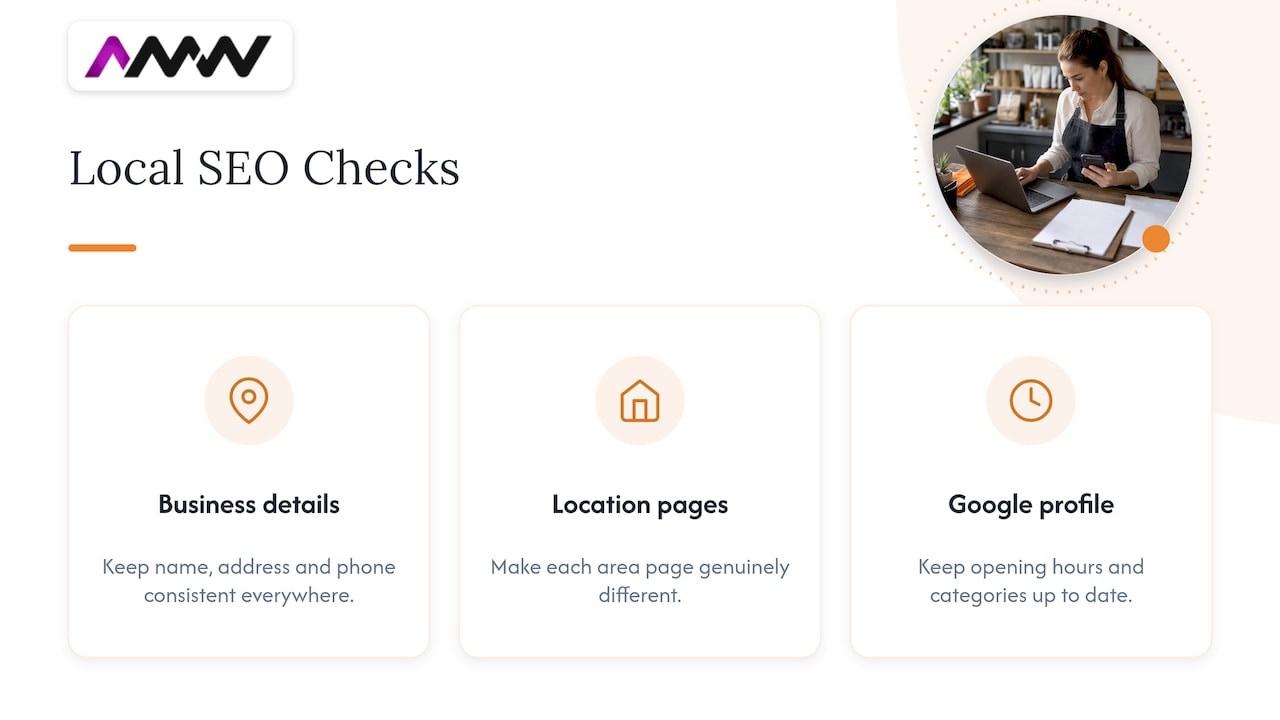
If customers find you by searching for a service plus a town, add a short local check. Is your business name, address and phone number the same everywhere it appears? Do your location pages say something genuinely different about each area? Are your opening hours and categories up to date on your Google Business Profile? A mismatch here is one of the cheapest things to fix and one of the most overlooked.
Prioritising what you find
The first crawl will likely give you hundreds of warnings. That’s normal and not a reason to feel bad about your website. The trick is deciding what to touch.
Crawl exports only become useful when you segment them by page type and connect them to organic traffic, rankings and conversions. A missing meta description on a dead blog post from 2017 is not the same problem as a noindex tag on your main service page.
Here is a simple scoring approach you can do in a spreadsheet:
| Priority | What it looks like | Example |
|---|---|---|
| Fix now | Blocks indexing or breaks key pages | Noindex on a service page, 5xx errors, blocked robots.txt |
| Fix soon | Hurts important pages but doesn’t stop them | Slow LCP on the homepage, redirect chains, duplicate titles |
| Plan in | Real improvement, lower urgency | Thin blog posts, alt text, internal link gaps |
| Ignore for now | Noise | Warnings on pages with no traffic and no purpose |
For each item, add three columns: how many pages it affects, how hard the fix is, and who owns it. Quick, high-impact fixes go to the top. Big, low-impact jobs go to the bottom, where they can wait quietly.
How to write the audit report
A checklist works as both a completeness control and a communication device: it shows what was checked and what the audit will deliver. Your report should do the same. Keep it short enough that someone will read it.
- Summary. Three or four lines: how healthy the site is, the biggest problems, the expected benefit of fixing them.
- Top priorities. The five to ten fixes that matter most, each with the page affected, why it matters and what to do.
- Full findings. The spreadsheet, grouped by technical, on-page, content and links.
- Owners and timeline. Who does what, and in what order.
- How you’ll measure it. Pick a few numbers before you start, such as indexed pages, organic clicks and enquiries, so you can show what changed.
Write for the person who has to approve the work. A managing director doesn’t need to know what a canonical is. They need to know what it costs not to fix it. Our guide to SEO costs in the UK covers what fixing it usually costs.
Tools worth having
You don’t need a pile of subscriptions. A sensible starter kit looks like this:
- Google Search Console for indexing, sitemaps, Core Web Vitals and search queries. It’s free and it’s the closest thing to Google’s own opinion.
- A website crawler to list every URL, status code, title, heading, canonical and redirect.
- An analytics tool to tie issues to traffic and conversions.
- A backlink tool for link profiles and competitor gaps.
- A speed testing tool to dig into what slows individual pages.
The best setup combines crawler data with Search Console, GA4 and backlink data, and groups URLs by page type so you can compare rankings, traffic and conversions. One tool alone only tells you part of the story.
Our perspective: audits are only worth it if someone acts on them
We’ve seen plenty of audits that are technically brilliant and completely useless. They land as a 90-page PDF, everyone nods, and six months later nothing has changed. That’s not an SEO problem. It’s a prioritisation problem.
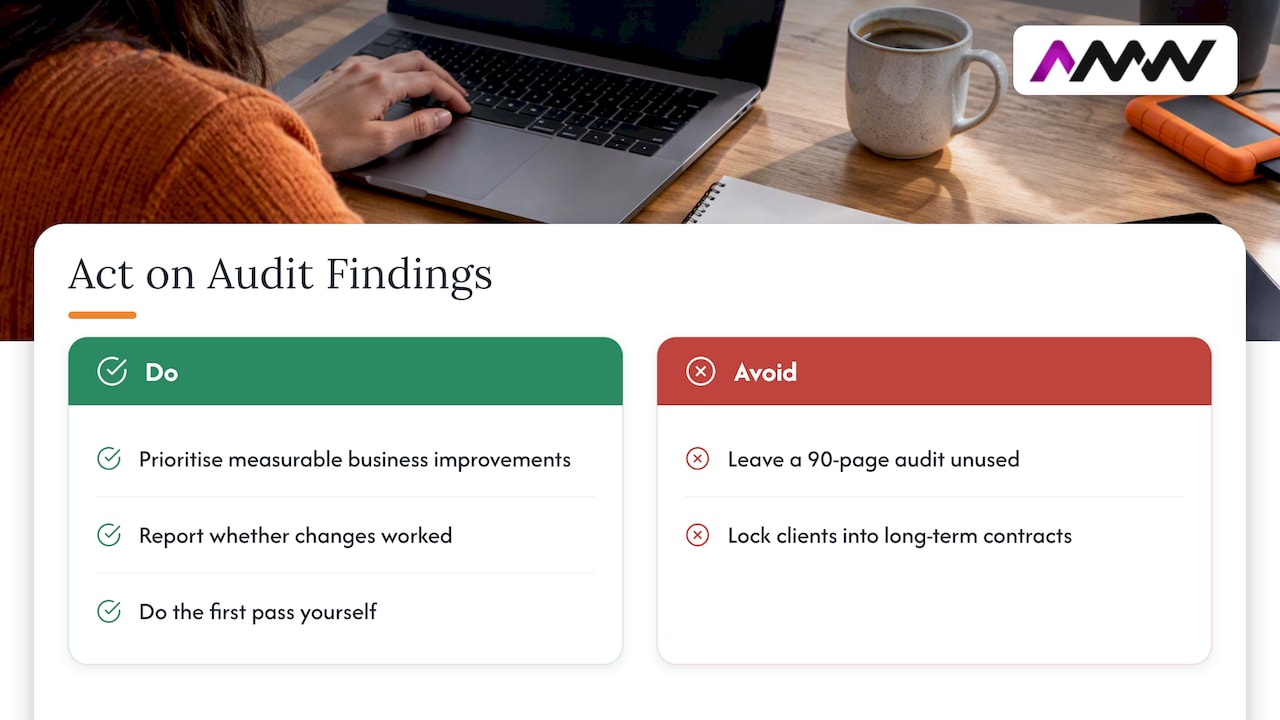
Our view is simple. An audit should end with a short list of things that will make a measurable difference to your business, in an order that makes sense, with reporting that shows whether they worked. We prefer transparent reporting and no long-term contracts, because if the work is good you’ll want to keep going anyway, and if it isn’t you shouldn’t be locked in.
We also think most small businesses can do the first pass themselves. Work through this checklist, fix the obvious problems, and see how far you get. If you reach the point where the findings need development time, content production or ongoing management, that’s when it makes sense to bring in people who do this every day.
Amir Wanas, founder of AMW Media
When it’s time to get help
If your audit turns up problems you don’t have the time or skills to fix, such as site structure, speed, content gaps or local visibility, our team can take it from there. We work with UK businesses on SEO and local search, plus web design, content and the rest of our services, and we can start with a conversation about what your audit found.

We’ll tell you honestly what is worth fixing and what isn’t. Sometimes the answer is “not much”, and that’s a good result too.
FAQ
What is included in an SEO audit?
A full SEO audit reviews technical health (crawling, indexing, speed, mobile, HTTPS), on-page elements (titles, headings, URLs, images), content quality, internal and external links, and local signals where relevant. Different providers group these differently, but the aim is the same: find what stops your pages being found and chosen in search.
How long does an SEO audit take?
For a small business site, a first pass using this checklist can take an afternoon to a couple of days, depending on size and how tidy the site is. Larger sites with thousands of URLs take longer, mainly because analysing and prioritising the data takes more time than running the crawl.
How often should I audit my website?
A light check every quarter is a sensible habit, with a fuller audit once a year or after any major change such as a redesign, migration or CMS switch. Keep an eye on Search Console in between, since it will flag indexing and Core Web Vitals problems as they appear.
Can I do an SEO audit myself?
Yes, for the basics. Search Console, a crawler and this checklist will get you a long way. Bring in a specialist when you hit things you can’t resolve yourself, such as rendering problems, large-scale duplicate content or a traffic drop you can’t explain.
What should I fix first after an audit?
Anything that stops important pages being indexed or loaded: noindex tags, robots.txt blocks, server errors and broken redirects. After that, tackle speed and mobile issues on your money pages, then on-page and content improvements. Leave the low-traffic warnings until last.
Sources
- Google: Crawling and Indexing
- What is an SEO Audit?
- Page indexing report, Search Console Help
- Updated issue categorization in Search Console
- Google SEO Starter Guide
- Why is my page missing from Google Search?
- How to Conduct a Technical SEO Site Audit
- In-Depth Guide to How Google Search Works
- Understanding Google Page Experience
- Understanding Core Web Vitals and Google search results
- Core Web Vitals report, Search Console Help
- Mobile-first Indexing Best Practices
- How to Perform a Complete SEO Audit in 17 Steps
- Readability, Home Office User-Centred Design Manual
- How to Do an Enterprise SEO Audit the Right Way
Recommended
- Website optimisation checklist: your 2026 UK guide
- Google Business Profile SEO: local ranking guide for UK small businesses
- Multilingual SEO Basics: A Plain-English Guide for UK Businesses
- Website migration SEO: the checklist for SEO teams
Our free marketing audit looks at your site, your ads and your content, and comes back with a 30 day plan. No pitch deck.

Founded AMW Media in 2024 and runs strategy, paid media and the CRM builds. The reason everything here is in house and measured in revenue. Meet the team.